接入 Hermes Agent
Hermes Agent 是一个开源的自主 AI 智能体,支持自动化任务与终端交互。
一、接入前准备
在使用 Hermes Agent 前,您需要准备好以下内容。
1. 安装 Hermes Agent
支持 Linux、macOS、WSL2(Windows)等系统。Windows 用户需先安装 WSL2,然后在 WSL2 中执行命令。
在终端中执行以下命令安装 Hermes Agent。
bash
curl -fsSL https://raw.githubusercontent.com/NousResearch/hermes-agent/main/scripts/install.sh | bash重新加载终端环境。
bash
source ~/.bashrc # 或 source ~/.zshrc执行以下命令验证安装(如有版本号输出即成功)。
bash
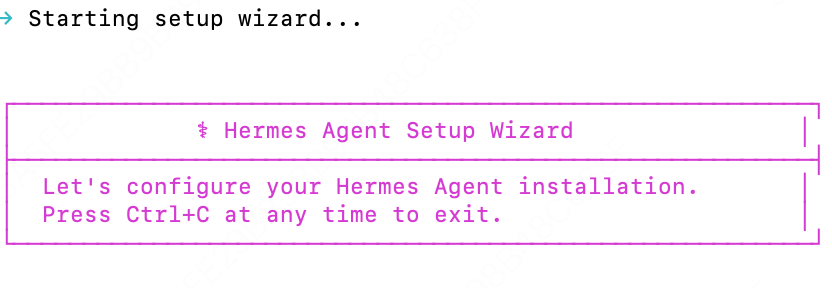
hermes --version安装完成后出现以下界面:
2. 获取 LongCat API Key
首先在 LongCat 开放平台 获取您的 API Key,并在用量信息页面中确认您账户内的 Token 额度充足。
LongCat API 开放平台目前提供以下模型:
| 模型名称 | API格式 | 描述 |
|---|---|---|
| LongCat-2.5-Preview | OpenAI/Anthropic | 高性能Agentic模型 |
| LongCat-2.0 | OpenAI/Anthropic | 高性能Agentic模型 |
二、配置 LongCat API
Hermes Agent 通过自定义供应商接入 LongCat,model.provider 只能设为 custom。
方式一:终端命令快速配置
bash
hermes config set model.provider custom
hermes config set model.base_url https://api.longcat.chat/openai/v1
hermes config set model.api_key <你的 LongCat API Key>
hermes config set model.default LongCat-2.5-Preview
配置后可在 ~/.hermes/config.yaml 查看。
方式二:手动编辑配置文件
编辑 ~/.hermes/config.yaml:
yaml
model:
  provider: custom
  base_url: https://api.longcat.chat/openai/v1
  api_key: <你的 LongCat API Key>
  default: LongCat-2.5-Preview
其中 <你的 LongCat API Key> 在 LongCat 开放平台 获取。
验证配置
bash
hermes doctor三、使用 Hermes Agent
配置完成后,新建终端窗口,执行以下命令启动 Hermes Agent:
bash
hermes            # 经典 CLI 模式
hermes --tui      # 现代 TUI 模式
如果正常进入对话界面,那么可以开始正常使用 Hermes Agent + LongCat。