OpenCode
Using LongCat Models for AI Programming in OpenCode
Overview
LongCat series models are supported for use in OpenCode. This document describes how to integrate OpenCode with the LongCat API Open Platform.
Prerequisites
Install OpenCode CLI
- Install OpenCode using curl
curl -fsSL https://opencode.ai/install | bash- Install OpenCode using npm
npm i -g opencode-aiConfigure LongCat API
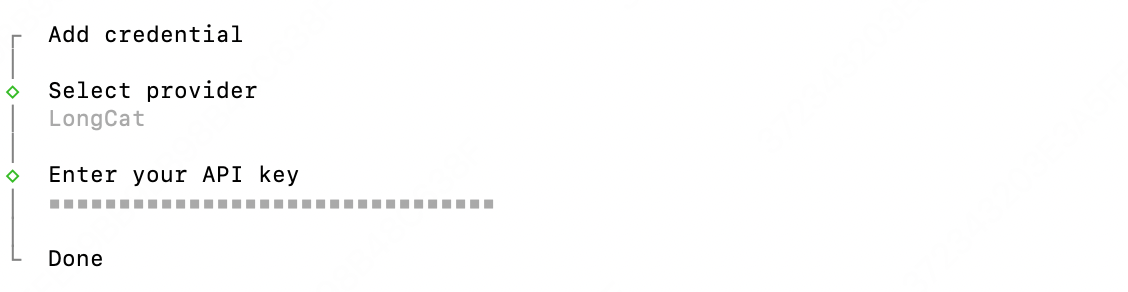
- Run the authentication command
opencode auth login
- Select Provider
Select LongCat from the provider list (you can type LongCat to filter).
OpenCode ships with a built-in LongCat provider, so selecting Other is no longer required. If LongCat does not appear in the list, upgrade OpenCode to the latest version first.

- Enter API KEY
Enter your API Key. The API key will be stored in the following location; check auth.json to verify the API key is correct.
- macOS / Linux:
~/.local/share/opencode/auth.json - Windows: press
WIN+Rand paste%USERPROFILE%\.local\share\opencode\auth.json
- (Optional) Custom Configuration
OpenCode ships with a built-in LongCat provider (the API endpoint and model list are preconfigured), so you can start using it right after authentication—no manual configuration needed.
If you want to customize the setup (for example, to disable thinking mode), open the OpenCode configuration directory
- macOS / Linux: ~/.config/opencode/

- Windows: Users\***\.config\opencode
Create or edit the configuration file in that directory: opencode.json
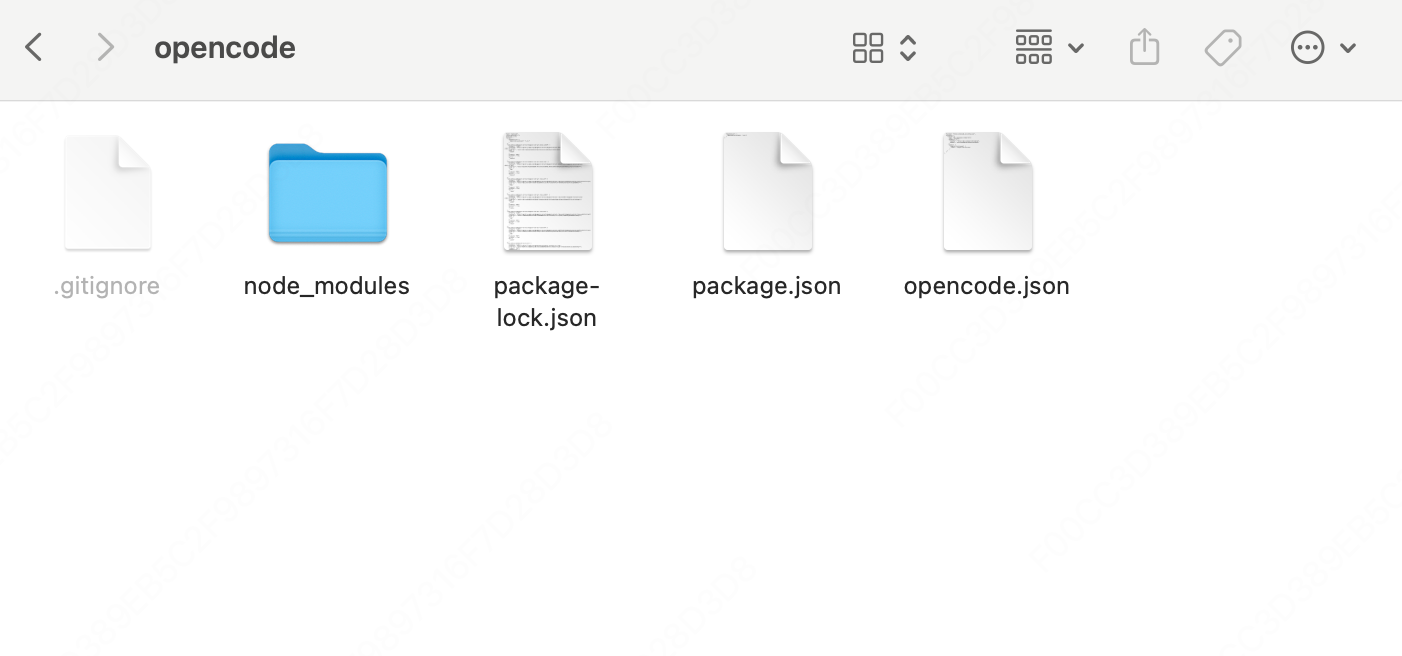
opencode.json content
{
  "$schema": "https://opencode.ai/config.json",
  "provider": {
    "longcat": {
      "models": {
        "LongCat-2.5-Preview": {
          "options": {
            "thinking": {
              "type": "disabled"
            }
          }
        }
      }
    }
  }
}
💡 About thinking mode: When using
LongCat-2.5-Preview, the model supports controlling whether thinking is enabled via thethinkingfield in the request body, with values{"type":"enabled"}(thinking on) or{"type":"disabled"}(thinking off). It is enabled by default. In OpenCode, you can configure this field within the model'soptions, as shown in the example above—disabledturns thinking off, andenabledturns it on.
Supported Models
| Model Name | API Format | Description |
|---|---|---|
| LongCat-2.5-Preview | OpenAI/Anthropic | High-performance Agentic model |
| LongCat-2.0 | OpenAI/Anthropic | High-performance Agentic model |
Test CodingCode
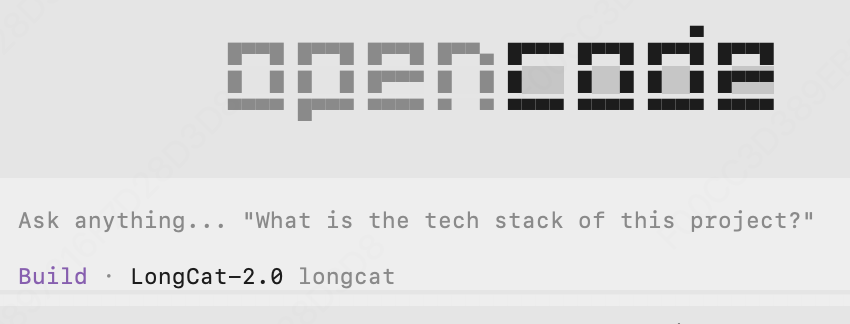
Go back to the command line interface and type opencode to start using it
Use /models to switch the model to LongCat-2.5-Preview
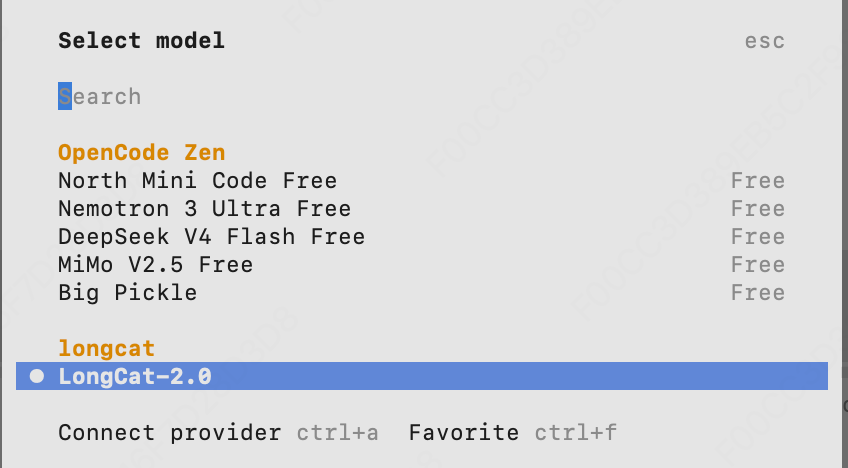
Then enter your question and start the conversation