Kilo Code
Using LongCat Models for AI Programming in Kilo Code
Overview
LongCat series models are supported for use in Kilo Code. This document describes how to integrate Kilo Code with the LongCat API Open Platform.
Prerequisites
Install Kilo Code
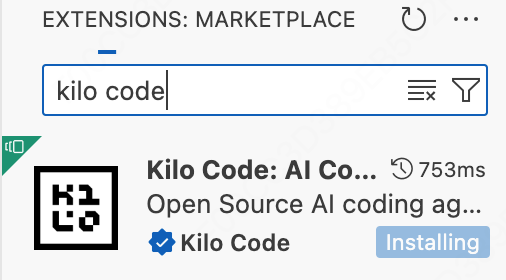
- In the Extensions icon on the left activity bar of VS Code, type Kilo Code in the search box
- Click Install to install it
Configure LongCat API
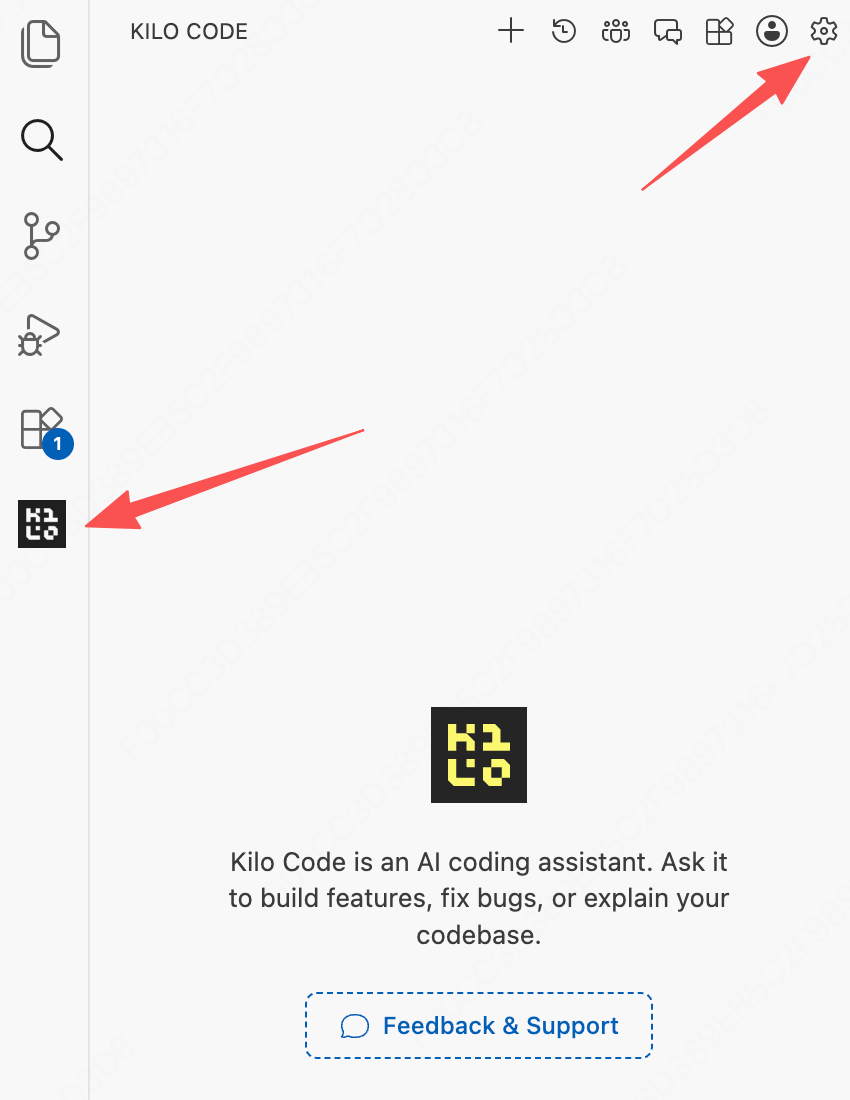
After installation, the Kilo Code icon will appear in the left activity bar. Click the icon
After clicking the Kilo Code icon, click the Settings icon in the upper right corner to start configuring parameters
- Select OpenAI Compatible as the API Provider
- Enter
https://api.longcat.chat/openai/v1as the OpenAI Base URL - Enter your LongCat Open Platform API Key as the API Key
- Select LongCat-2.5-Preview as the model
Supported Models
| Model Name | API Format | Description |
|---|---|---|
| LongCat-2.5-Preview | OpenAI/Anthropic | High-performance Agentic model |
| LongCat-2.0 | OpenAI/Anthropic | High-performance Agentic model |
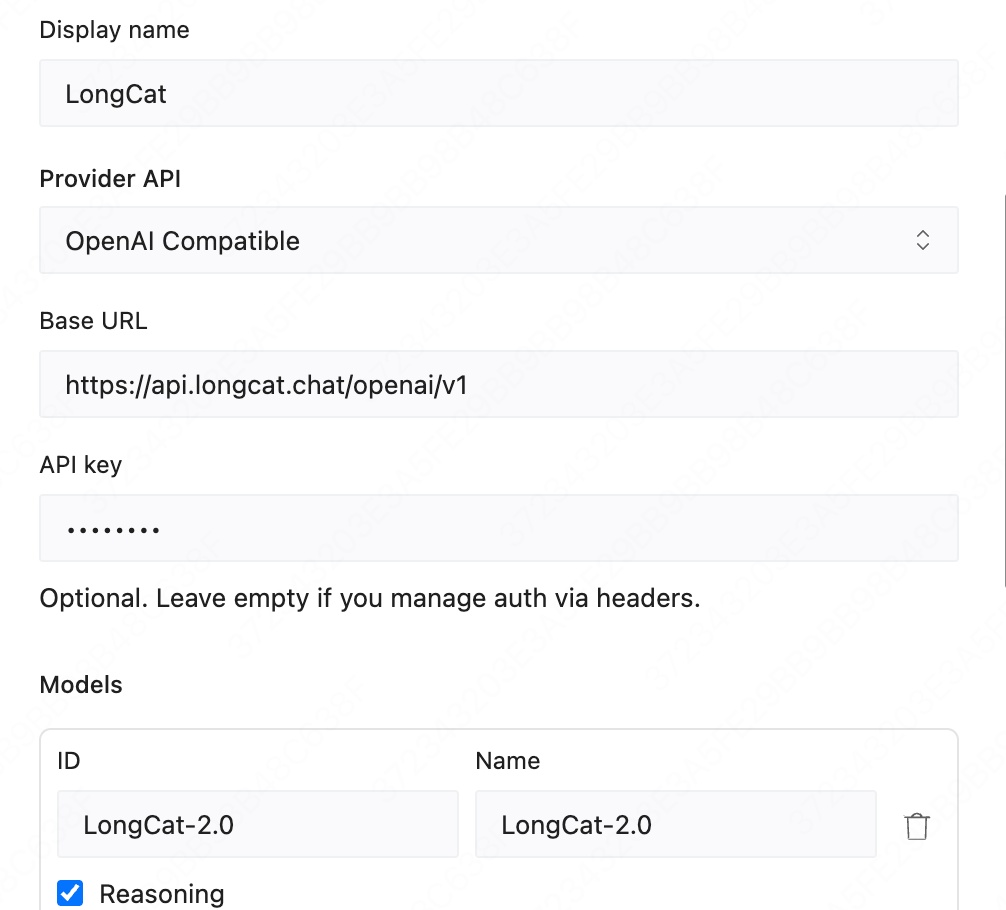
- Click Save and start using LongCat-2.5-Preview
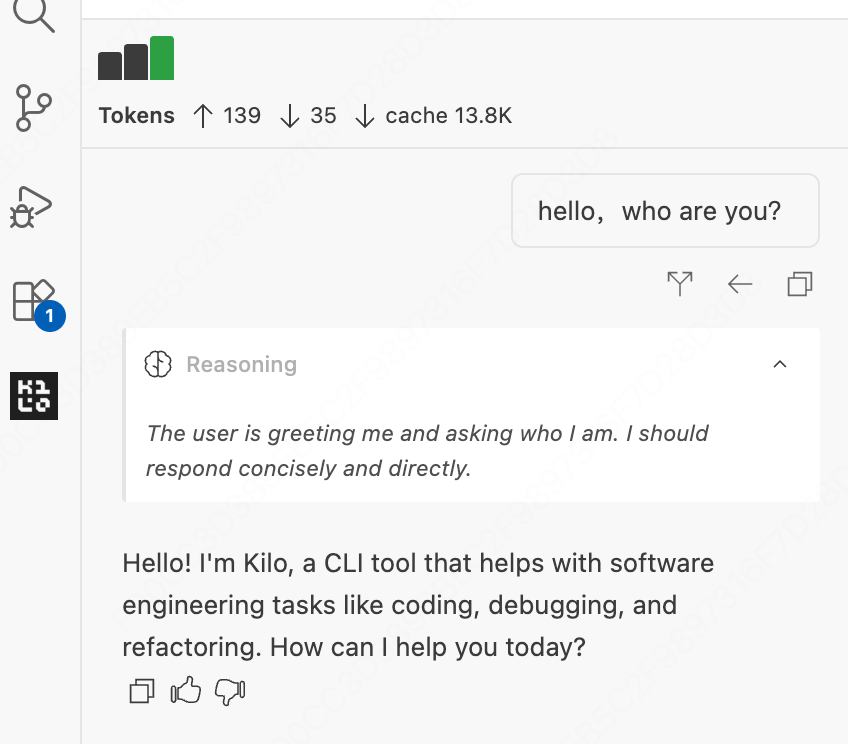
test Kilo Code
send a simple test message